To access the Elders Quorum, Relief Society, Primary, Misc, or Contact information pages you must be signed in to the site. Click this LINK and register for the site. You can use a social media login, or your email address and a password.
If the Email used is the same as what you have registered with the Church, it will make it easier to be verified. If you can’t be identified as a member of the ward, you will get an email asking who you are. Verification must take place before you have access to the other pages.
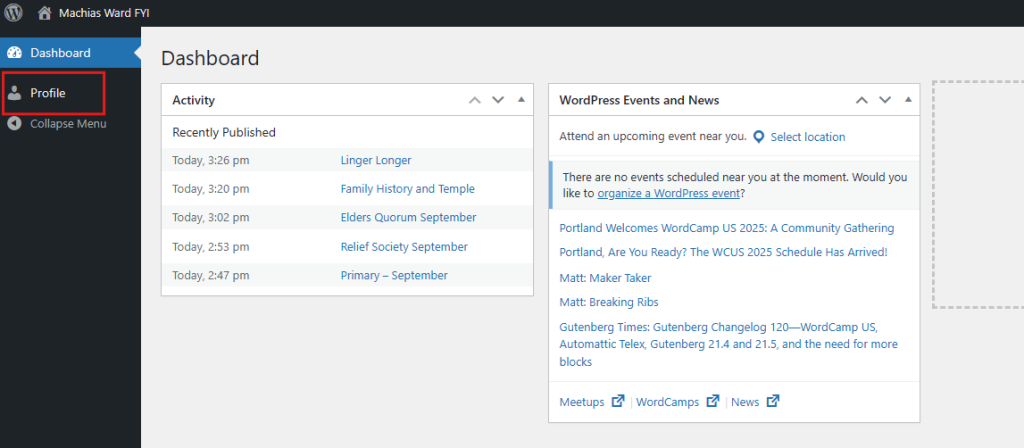
After you register with Google sign in, or X or Github, You will be redirected back to the site, you will need to update your profile similar to how the register by email below works. You will be on the Dashboard, you need to click profile then edit and supply your name, so an Admin can assign you a role that grants more access.
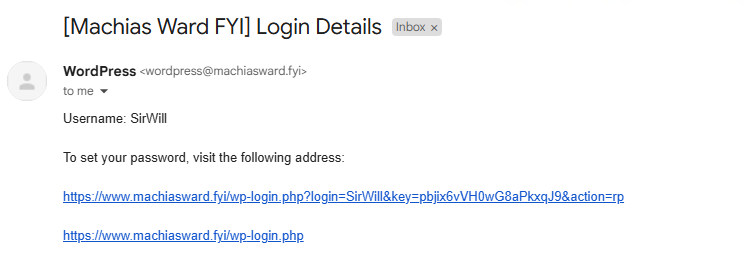
After you register via an email login, you will get an email that looks like this. Simply click the first link.
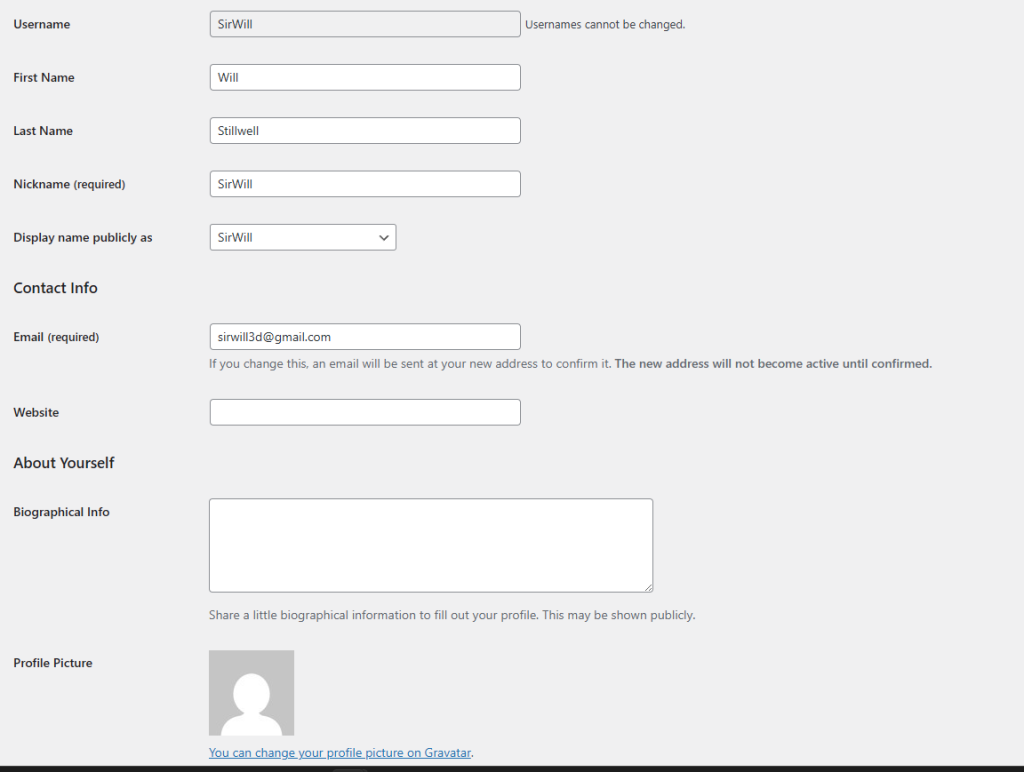
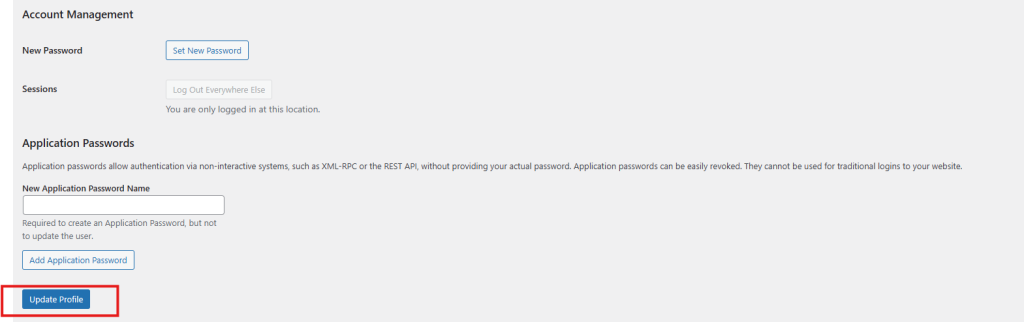
Next you will be seeing a registration page where you can put in your Email and a little bit of information about you. Also don’t forget to click Update profile
Now just click at the top on the Click Machias Ward FYI
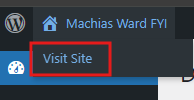
And click – visit site
You will not have access to the private areas until an Admin grants you access.